Free tool · no signup, no watermark
Google review QR code generator.
Find your business by name — or paste your Google review link — and download a print-ready QR code that opens your review form directly. Free, full resolution, yours forever.
Works with g.page/r/… links, writereview?placeid=… links, and raw Place IDs. Where do I find mine?
That's a Maps share link — it opens your profile, not the review form. Use instead and we'll build the correct review link.
That doesn't look like a Google review link. Try a g.page/r/… link, a writereview?placeid=… URL, a raw Place ID — or .
Tip: add your city to the name for a sharper match. Search is powered by Google Places and rate-limited to keep the tool free.
-
It's this one →
No watermark · encodes Google's URL directly · no BigLove tracking · works forever
One honest caveat
Your free QR is locked to that raw Google URL. Forever.
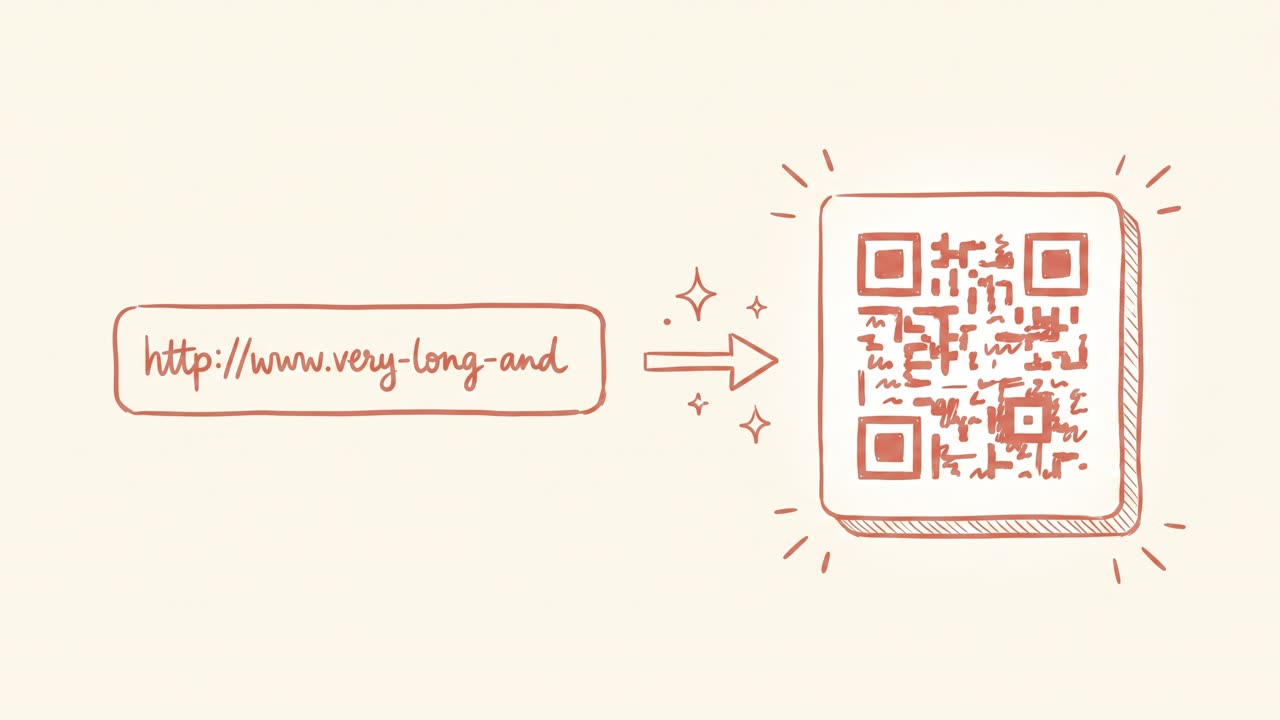
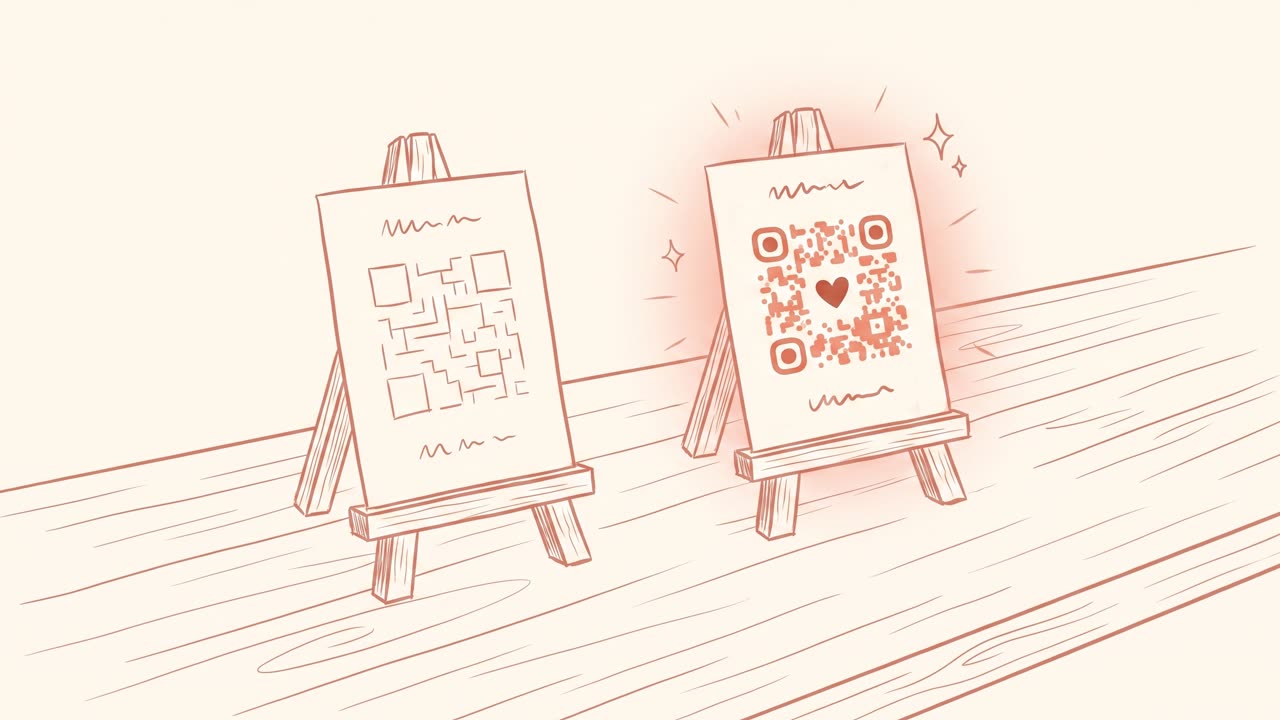
That's fine — until Google changes their URL format, you rebrand, or you want to know how many people actually scan. A branded biglove.to/your‑name link in the QR is redirectable (change the destination without reprinting), measurable (see scans by city and time), and memorable enough to say out loud to a customer.
Get my branded link → $4/month or $37/year · free to try, no card
How it works
Three steps, under a minute.
- Paste your review link — or search your business. g.page/r/… links, writereview URLs, and raw Place IDs all work. No link handy? Business search builds it from Google's own Place ID.
- We normalize it to the canonical review deep link. The exact URL Google opens when someone clicks "Write a review" — not your Maps profile with two extra taps in the way. That's the detail generic QR tools miss.
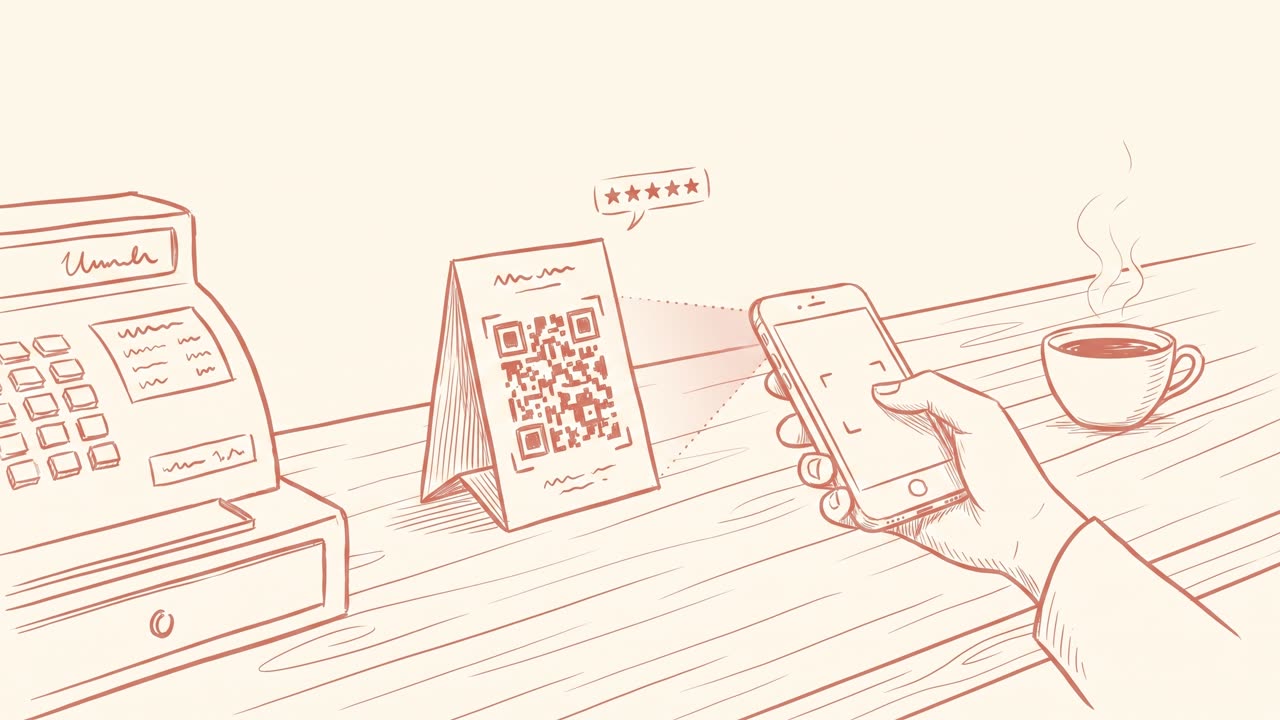
- Download the print-ready PNG. 1024×1024, high contrast, scans reliably from receipts, table tents, counter cards, and stickers. Print at 2 cm × 2 cm or larger.
Can't find your link?
Where your Google review link lives.
- Google Business Profile (fastest): search for your own business on Google while signed in as the owner → click "Ask for reviews" → copy the share link Google shows.
- Business Profile dashboard: Home tab → "Get more reviews" card → copy link.
- No luck? Use the above — pick your business and we build the link from its Place ID.
Printing on receipts? The full guide: How to print a Google review QR on receipts. Comparing tools? Best Google review QR tools, honestly compared.
Things people actually ask
Frequently asked.
-
What URL should a Google review QR code point to?
The canonical review deep link: search.google.com/local/writereview?placeid=YOUR_PLACE_ID. That URL opens the review dialog directly — no searching, no extra taps. Links in the g.page/r/…/review format work the same way. This tool normalizes whatever you paste into that canonical form, which is the single most common thing generic QR generators get wrong (they encode your Maps profile instead, adding two extra taps before the review box).
-
Where do I find my Google review link?
In your Google Business Profile: search for your business on Google while signed in as the owner, and click "Ask for reviews" — Google shows a short share link. Or open your Business Profile dashboard → Home → "Get more reviews" card. If you can't find it, just use the business search mode above: pick your business and we build the correct link from Google's own Place ID.
-
Does a Google review QR code expire?
The QR itself never expires — it's a static encoding of a URL, with no time limit. The real risk is the URL inside it: if Google ever changes their review URL format, or you rebrand and want a different destination, a QR that hard-codes the raw URL forces you to reprint everything. That's the one structural advantage of putting a redirect link like biglove.to/your-name in the QR instead: you change the destination once and every printed QR keeps working.
-
Is this QR generator really free? What's the catch?
Really free: full-resolution 1024px PNG download, no watermark, no email wall, no signup, and the QR encodes Google's URL directly — zero BigLove tracking in the middle, so it works forever regardless of us. The business model is transparent: we sell branded short links (biglove.to/your-name, $4/month) for owners who want a memorable, changeable, measurable link. The free tool is free.
-
Is it OK to ask customers to scan a review QR code?
Yes — as long as the path is plain. Ask every customer (not just the happy ones), don't offer incentives for good ratings, and send everyone to the same public review form. Review gating — pre-screening customers by satisfaction before showing the review link — violates Google's policies and consumer-protection rules in the US, UK, Canada, and Australia. A QR that scans straight to the canonical Google form is exactly the plain path regulators and Google want.
-
Should I use a QR code or a short link for collecting Google reviews?
Both, for different moments. The QR wins at the counter, on receipts, and on table cards — situations where the customer's phone is out and scanning is one gesture. A memorable short link wins in conversation ("just type biglove.to/your-cafe"), on social bios, in email signatures, and anywhere spoken or typed. The strongest setups print the QR with the short URL written under it, so customers can use whichever is natural.